
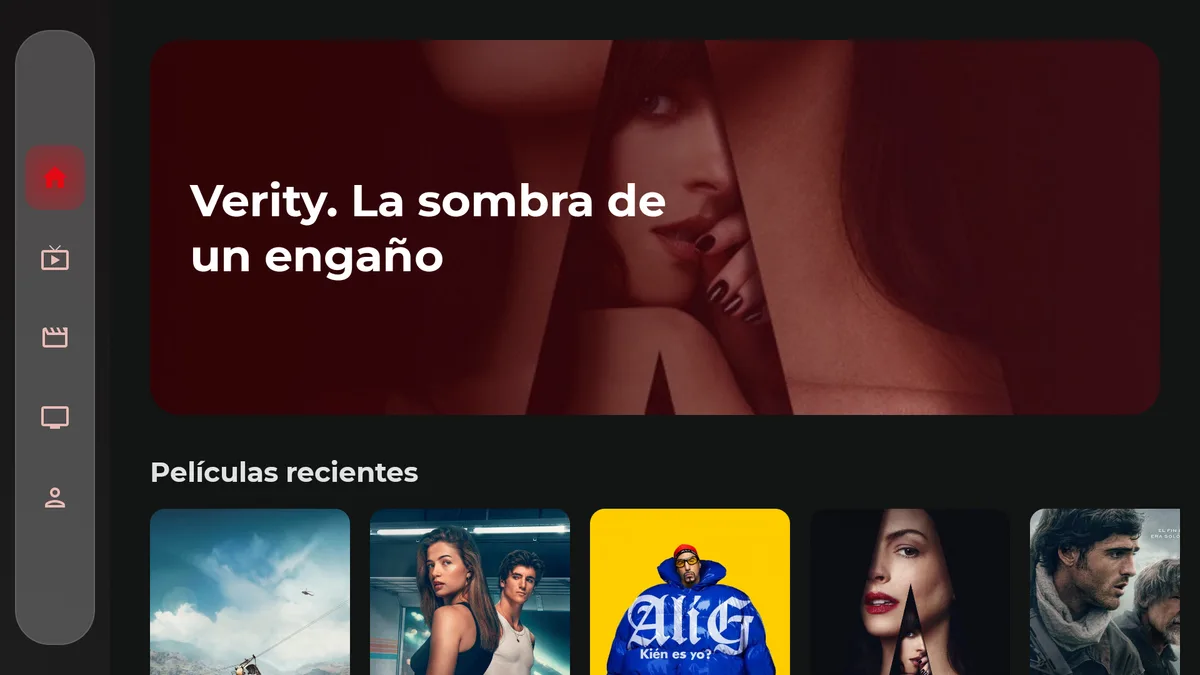
01D-PAD
Remote and D-pad
Visible focus and shortcuts to move through the catalog without a mouse.
ANDROID TV / FIRE TV · TV
The couch experience on your Android TV or Fire TV.
D-pad navigation, catalog rows and full-screen playback on Android TV and Fire TV.
THE SPEC SHEET
On Fire TV, the install method may vary by device generation.
WHAT IT DOES
Visible focus and shortcuts to move through the catalog without a mouse.
Full-screen playback with controls that get out of the way.
Each profile with its own history and list.
Resume series and movies where you left them.
FROM ZERO TO TUNED IN
Enable developer options and keep the TV on the same network as the computer.
Debugging lets you install the APK from the computer or from Downloader.
Send the APK from a PC or download it directly on the TV.
Confirm the APK source when the system asks.
Configure Xtream with the remote and check playback.
You may also need
TUNE YOUR SCREEN
Choose your device. Find its installation guide and download only packages that are already published.