
01WINDOW
Window or full screen
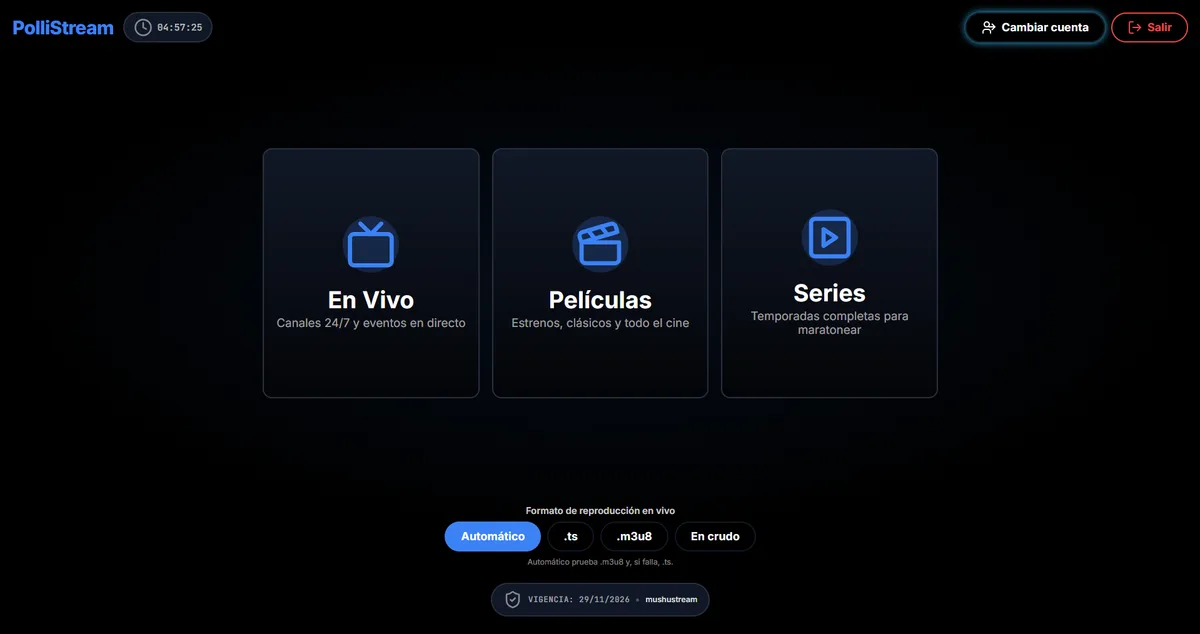
Choose how to watch: a window for multitasking or full screen for the couch.
WINDOWS · PC
The same list, in a desktop window.
Windows installer with windowed or full-screen playback, keyboard and mouse.
THE SPEC SHEET
Download only from this page or from the official project channel.
WHAT IT DOES
Choose how to watch: a window for multitasking or full screen for the couch.
Shortcuts and playback controls designed for desktop.
Your history and list, separated by profile.
Resume the episode where you left off.
FROM ZERO TO TUNED IN
Save the official file to your computer before running it.
Check the SHA-256 hash if you want to rule out a modified download.
Install PolliStream with your normal user account.
Configure Xtream and check playback.
You do not need to uninstall to receive a new version.
You may also need
TUNE YOUR SCREEN
Choose your device. Find its installation guide and download only packages that are already published.