
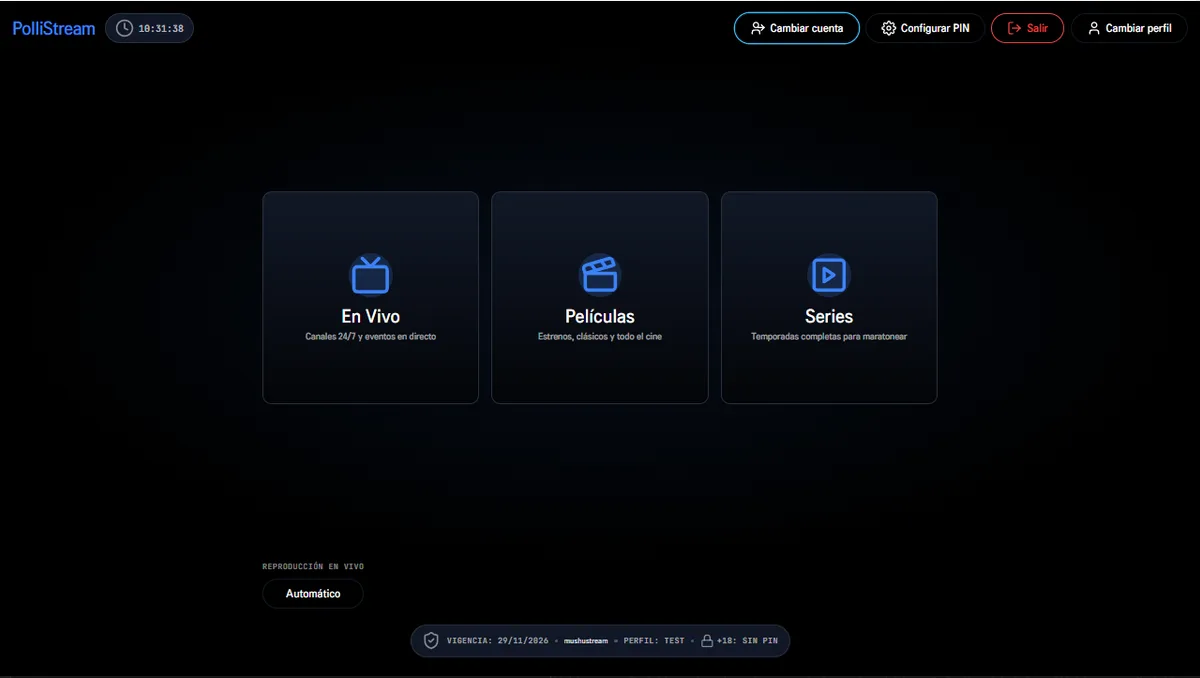
01REMOTE
Remote first
Visible focus navigation designed to be read from the couch, not from a monitor.
LG WEBOS · SMART TV
The full app for your LG, with audio tracks and subtitles.
Built for webOS 4.x and above. Includes the local service that lists embedded MKV/MP4 tracks and extracts subtitles without relying on CORS.
THE SPEC SHEET
The IPK includes the app and the local track service. Install the full package so the audio menu works.
WHAT IT DOES
Visible focus navigation designed to be read from the couch, not from a monitor.
The package includes the local ffmpeg service that lists audio and subtitle tracks from the file.
Three standard profiles, one kids profile and parental control with a four-digit PIN.
Resume the episode where you left off, with per-series intro marks.
FROM ZERO TO TUNED IN
Keep the TV and the computer on the same network before you start.
The Developer Mode app opens a temporary installation session on the TV.
Install webOS CLI on the computer and register the TV over SSH.
Send the package and open it from the TV home bar.
Configure Xtream and check playback, audio and subtitles.
You may also need
TUNE YOUR SCREEN
Choose your device. Find its installation guide and download only packages that are already published.